When to Close Part of Your Restaurant, and How to Do It Without Losing Bookings
 Simple Host Team
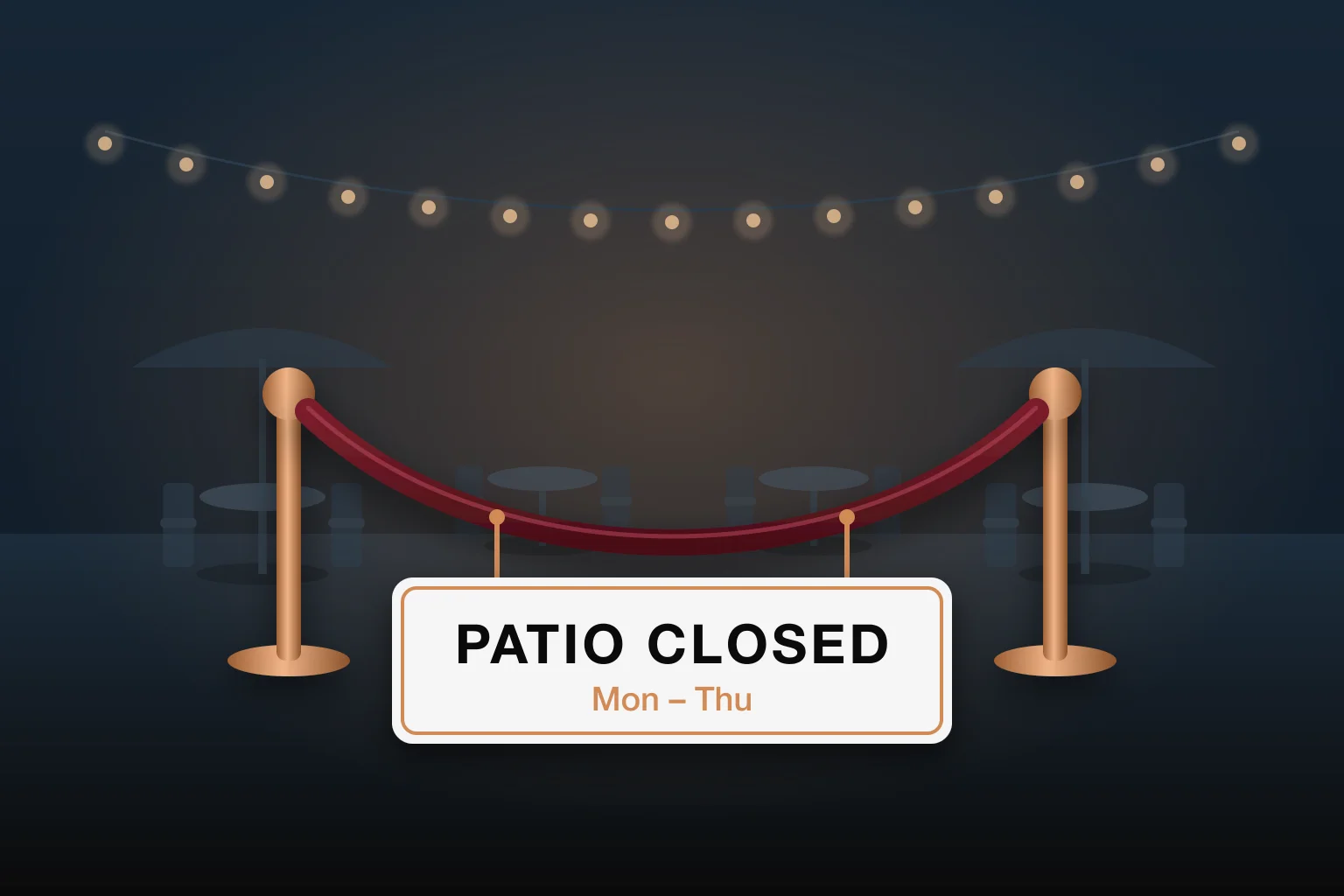
Not every room needs to be open every night. A patio in November, a back room on a Tuesday, or a whole section when two servers call out: closing part of your restaurant is often the smartest call you can make. The trick is doing it so guests, hosts, and your online booking page all know about it.
Why Closing a Section Can Make You More Money
It feels backwards, but fewer open tables can mean a better night:
- Tighter service: Servers covering one compact room walk less and check on tables more often.
- A livelier room: Twenty guests in one room feels busy. The same twenty spread over two rooms feels empty.
- Lower costs: Fewer areas to staff, heat or cool, light, and clean at close.
- Less stress on short-staffed nights: Matching your floor to your team prevents the slow service that turns into bad reviews.
The Most Common Reasons to Close Part of the Floor
- Seasonal areas: A patio that only opens in warm months, or only on weekends.
- Slow days: A second dining room you only need on Fridays and Saturdays.
- Private events: A room held for a party, a buyout, or a holiday event on a specific date.
- Staffing: A section closed because you are down a server tonight.
- Maintenance: A broken table, a leak, or a renovation that takes a few tables out for a week.
Let Your Numbers Decide
Look at covers by day for each room. If a section sits mostly empty on the same nights every week, put it on a schedule instead of deciding at 5 PM every day.
Where Section Closures Usually Go Wrong
Closing a room is easy. Making sure everything else knows it is closed is where restaurants get burned:
- Online booking still offers the tables. A guest books the patio online for a night it is closed, and finds out when they arrive.
- Reservations already on the books. Guests who booked weeks ago still expect a table in that room.
- A new host seats the closed section. If the floor plan looks the same, someone will eventually seat it.
- Wait quotes count tables you are not using. Quoting a 15-minute wait based on a room that is closed sets the guest up for disappointment.
- Hours that cross midnight. A late-night closure from 10 PM to 2 AM is easy to set up wrong if your system only thinks in single days.
How to Close a Section the Right Way
- Decide what you are closing: the whole room, or only certain tables.
- Put it on a schedule: recurring days and hours for regular patterns, specific dates for events and holidays.
- Decide what the closure blocks: online bookings only, or also reservations your staff take, or walk-in seating too.
- Check existing reservations that fall inside the closed hours, and move them before the night starts.
- Make it obvious on the floor plan, so no one seats a closed table by mistake.
- Leave yourself an escape hatch: when a slow night turns busy, you should be able to reopen the section for tonight without undoing the whole schedule.
Closed Online Is Not the Same as Closed
Sometimes you want the patio off your booking page but still available for walk-ins on a nice evening. Decide this per closure instead of treating every closure the same.
Setting It Up in Simple Host
Simple Host has Table Closures built into the floor plan, so every step above happens in one place:
- Close a whole room or chosen tables by tapping them on your floor plan.
- Pick closed days and hours in 30-minute steps, including hours that run past midnight, or add closed dates and date ranges from a calendar.
- Choose what each closure blocks: online booking, in-house reservations, walk-in seating, or any mix.
- See reservations already booked during each closure's closed hours.
- Closed tables are dimmed on the floor plan, or hidden completely, and hosts are warned before seating one. You can also block seating at closed tables entirely.
- Open for today or Close for today with one tap; the closure returns to its normal schedule tomorrow.
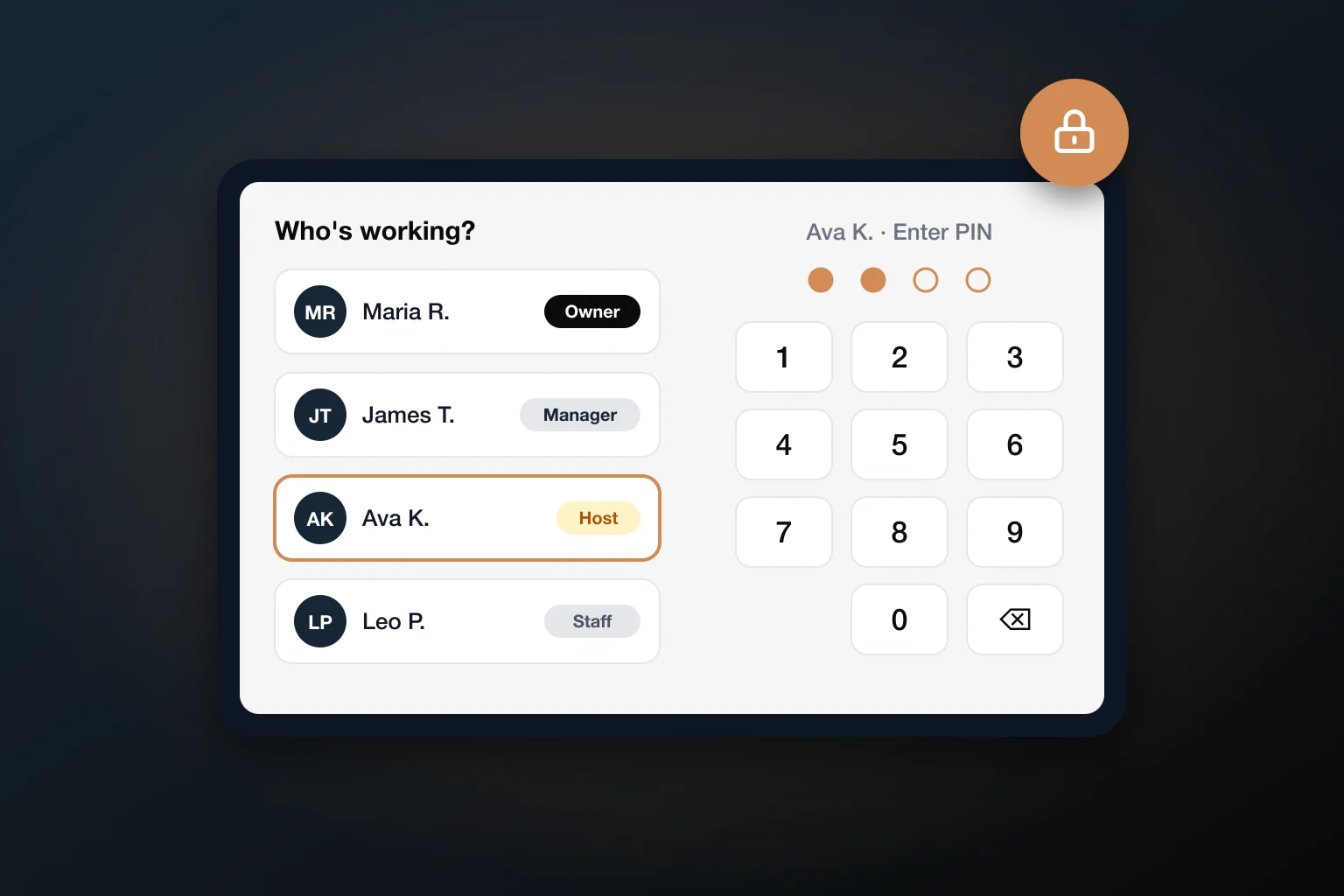
Your online booking page automatically skips closed tables, and wait-time quotes leave them out. Closures sync to every device right away, and with staff logins, closing tables is its own permission, so you decide who can take a section offline.
Frequently Asked Questions
Should I close a section on slow nights?
Often, yes. Seating a slow night into one room keeps your servers close together, makes the room feel busier and livelier, and saves on staffing and cleanup. Look at your covers by day: if a section regularly sits mostly empty on certain nights, close it on a schedule instead of deciding at 5 PM.
What happens to reservations already booked in a section I close?
They are still there, so check before the closure starts. In Simple Host, each closure shows the reservations already booked during its closed hours, so you can move those guests to an open table ahead of time.
Can I stop online bookings for a room but still seat walk-ins there?
Yes, if your system lets each closure choose what it blocks. In Simple Host, you can block online booking, in-house reservations, and walk-in seating separately, so a room can be closed online but still available to the host.
What if it gets busy and I need the closed section after all?
Open it for today. In Simple Host, Open for today reopens the closure for the rest of the day and it goes back to its normal schedule tomorrow, without editing the closure itself.
How is a closure different from blocking reservations?
Blocking reservations stops guests from booking certain times. A closure takes specific rooms or tables out of service on a schedule, and can also keep the host from seating them and keep them out of wait-time quotes.
The Bottom Line
Closing part of your restaurant is not a sign of a slow business. It is matching your floor to your guests and your team. Done right, guests never notice: the booking page only offers open tables, hosts only see what they can seat, and nobody shows up expecting a patio that is closed.
Put your closures on a schedule, decide what each one blocks, and keep a one-tap way to reopen when the night surprises you.
Ready to put your sections on a schedule?
Simple Host closes rooms and tables by day, hours, or dates, and keeps your floor plan, wait quotes, and online booking in sync. Try it free for 7 days.
Start Free Trial
Simple Host Team
The Simple Host team is made up of restaurant industry veterans and tech experts dedicated to making restaurant management easier for everyone.