Simple Host SimpleHost
Table Management

See Every Table. Plan Every Reservation.

View which tables are reserved and when, find open time slots, and assign tables to reservations — all from your floor plan.
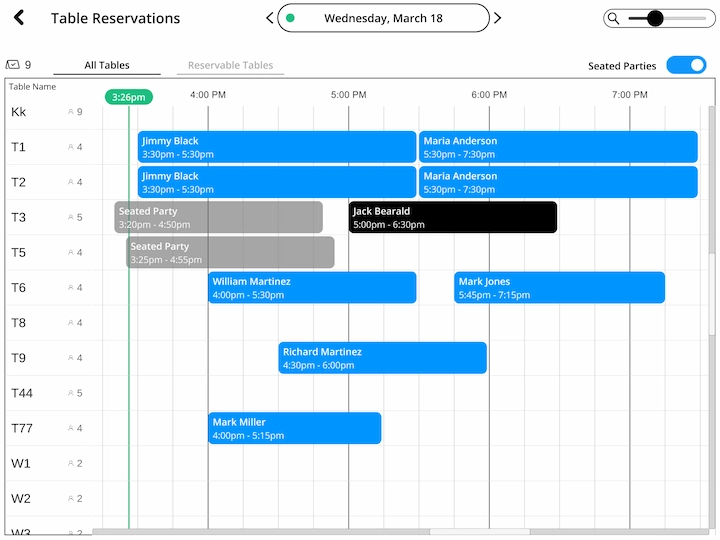
Table reservations floor plan view showing reserved and available tables with time slots

How Table Reservations Work

Assign tables, block time slots, and know exactly what your floor looks like before guests arrive.
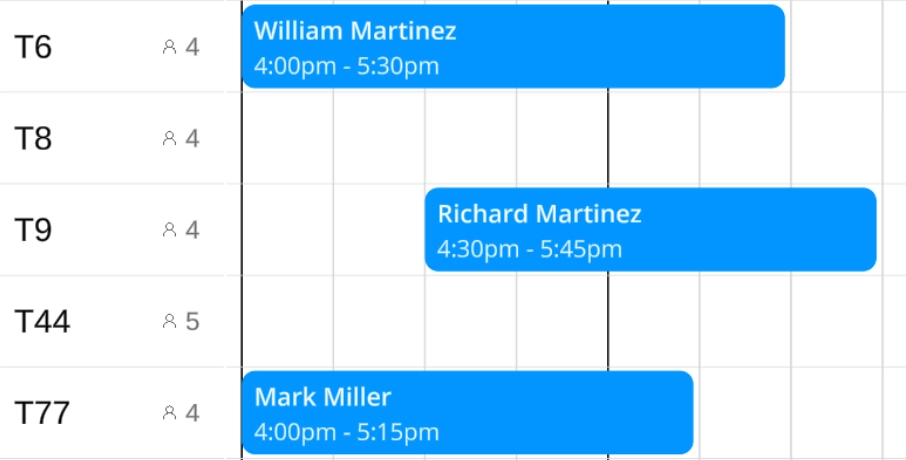
Table availability view showing reserved and open time slots

View Table Availability

See your entire floor at a glance and know exactly which tables are open.

  • See which tables are reserved and which are open at any time
  • Each table shows its reservation status on the floor plan
  • Open time slots are clearly visible so you can plan ahead

Reserve Tables for Guests

Assign one or more tables to any reservation in just a few taps.
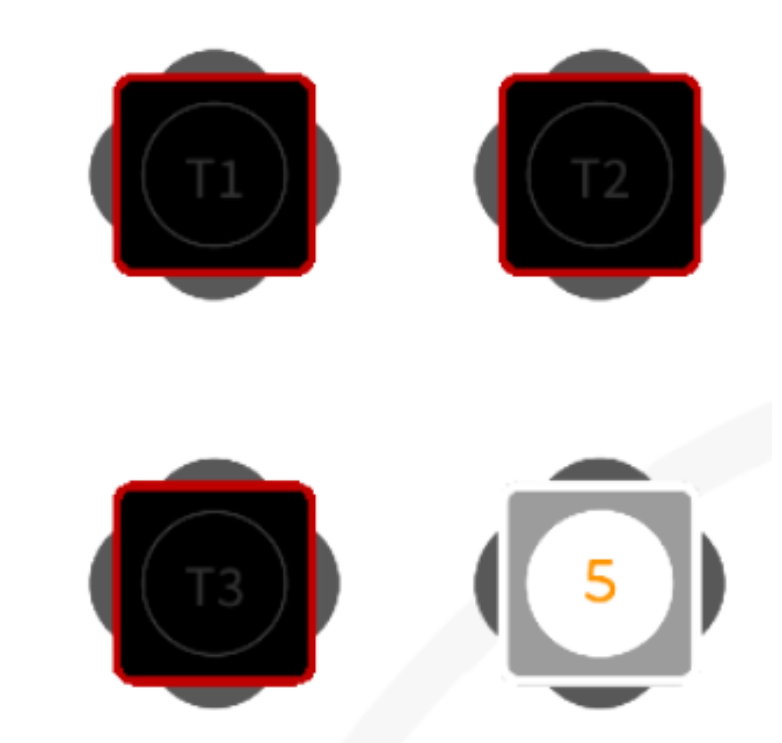
  • Click a table or multiple tables to reserve them
  • Choose the length of the reservation
  • Click “Done” in the top right to confirm
  • To remove tables, tap selected tables to deselect them, then go back
Reserving tables for guests on the floor plan
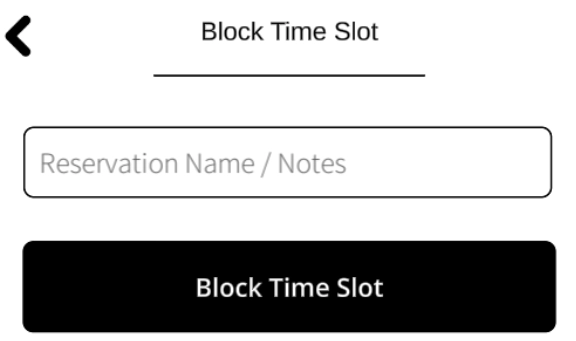
Blocking time slots on a table for VIP holds and private events

Block Time Slots

Reserve time on any table for cleaning, VIP holds, private events, or anything else.

  • Click an open time slot on any table
  • Choose to block a timeframe for cleaning, VIP holds, or private events
  • Or add a new reservation to that open slot

Smart Table Display

Your host always knows which table belongs to which guest before they arrive.
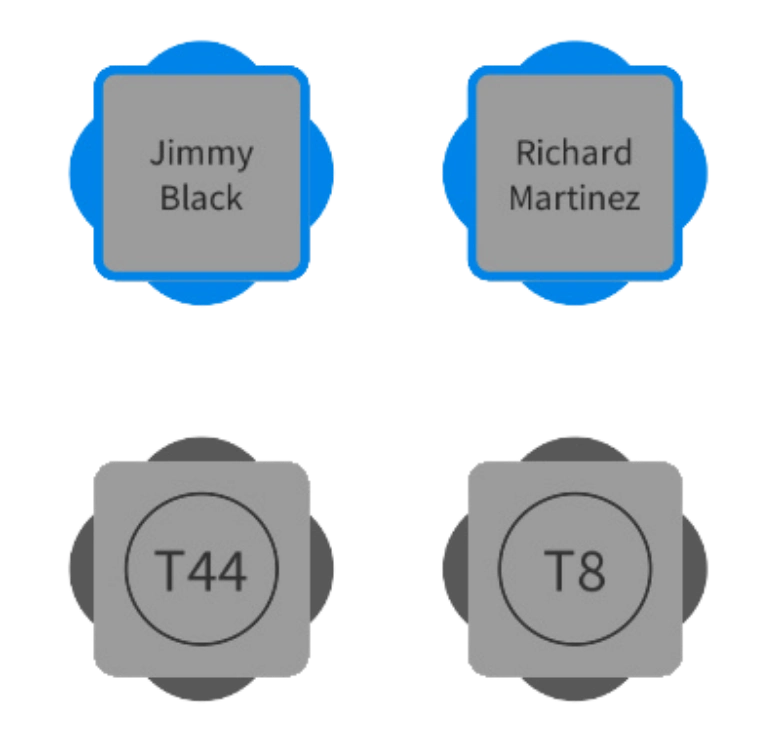
  • Enable in Settings: show the reservation name on the table when that reservation's time is approaching
  • The table gets a blue outline when the reservation time is coming up
  • Your host always knows which table belongs to which guest before they arrive
Floor plan showing reserved tables with guest names and blue outlines for upcoming reservations
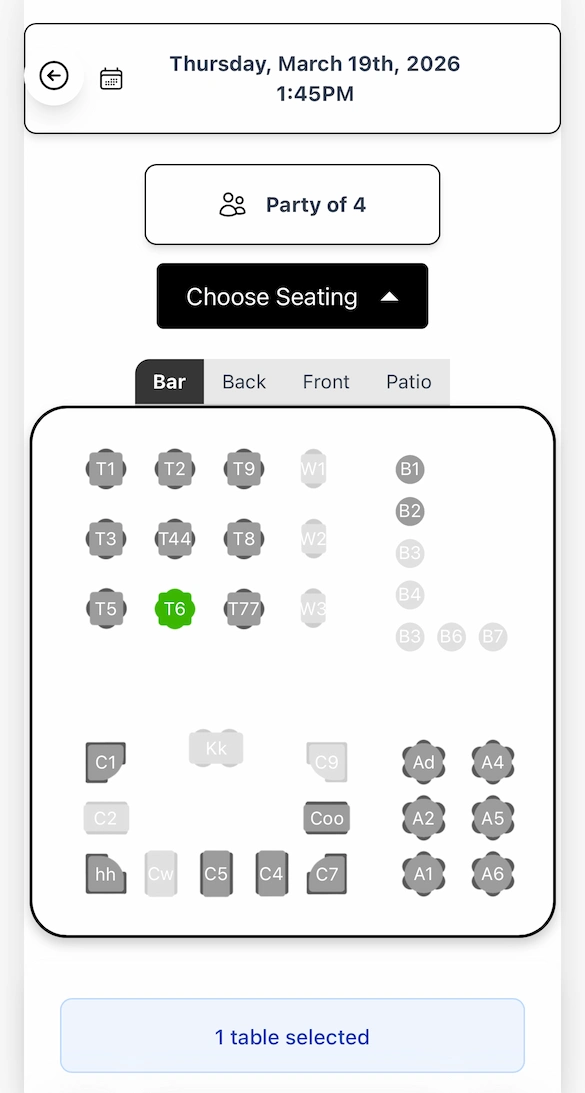
Guest view of online table reservation showing floor plan with available and reserved tables

Guest Table Selection

Let guests pick their own table when booking online. They'll see your actual floor plan with available tables in full gray and unavailable tables faded out.

  • Guests see your floor plan with available tables in full gray and reserved tables faded out
  • Their selection automatically reserves that table for their booking
  • You can also manually assign or change the table when creating or editing a reservation

Auto Sort Tables

Stop hand-assigning every reservation. Auto Sort fills your floor plan in seconds — respecting party sizes, server sections, guest preferences, and the order you want rooms to fill.
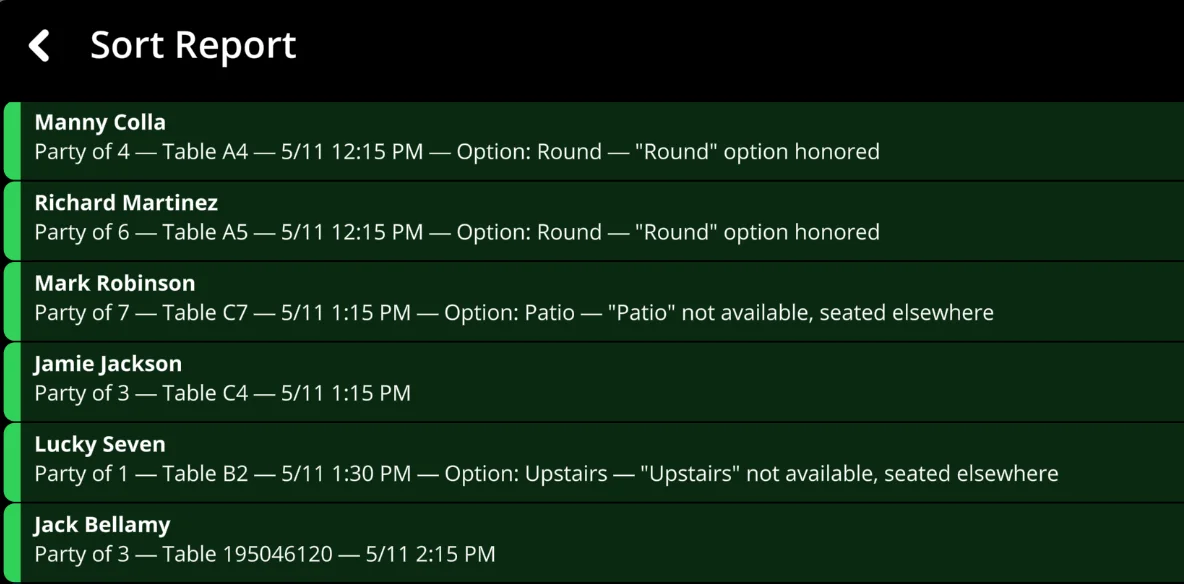
  • Auto-assigns every unassigned reservation in one tap — based on party size, time, server section, and guest preferences
  • Smart Reassign replans your whole shift for the best layout — locked reservations stay exactly where you put them
  • Adds buffer time between seatings, catches overlaps, and waits out walk-ins before assigning their table
  • Drag-and-drop room fill priority — patio first, bar last, your call
Auto Sort Tables feature in Simple Host — automatically assigning reservations to the best tables

The Difference Table Reservations Make

Stop guessing and start planning your floor before service begins.

Without Table Reservations
Scrambling to find open tables when guests arrive
Double-booking tables by accident
Guests waiting while you figure out seating
No visibility into upcoming reservations on the floor plan
With Simple Host Table Reservations
Every reservation has a table assigned ahead of time
Floor plan shows exactly what's available and when
Guests seated immediately on arrival
Full visibility into your evening before it starts

Table Reservations FAQ

Ready to simplify your host stand?

Pre-assign tables, see your floor plan in real time, and seat guests the moment they walk in.